KeeperFill in the browser
The vault is where records live, but the extension is what the customer touches twenty times a day. If KeeperFill is not working, they will conclude Keeper does not work, no matter how good the vault is. Installing it and proving it works is part of every visit.
What it does, in the order a customer meets it
- Offers to save a login it just watched them type.
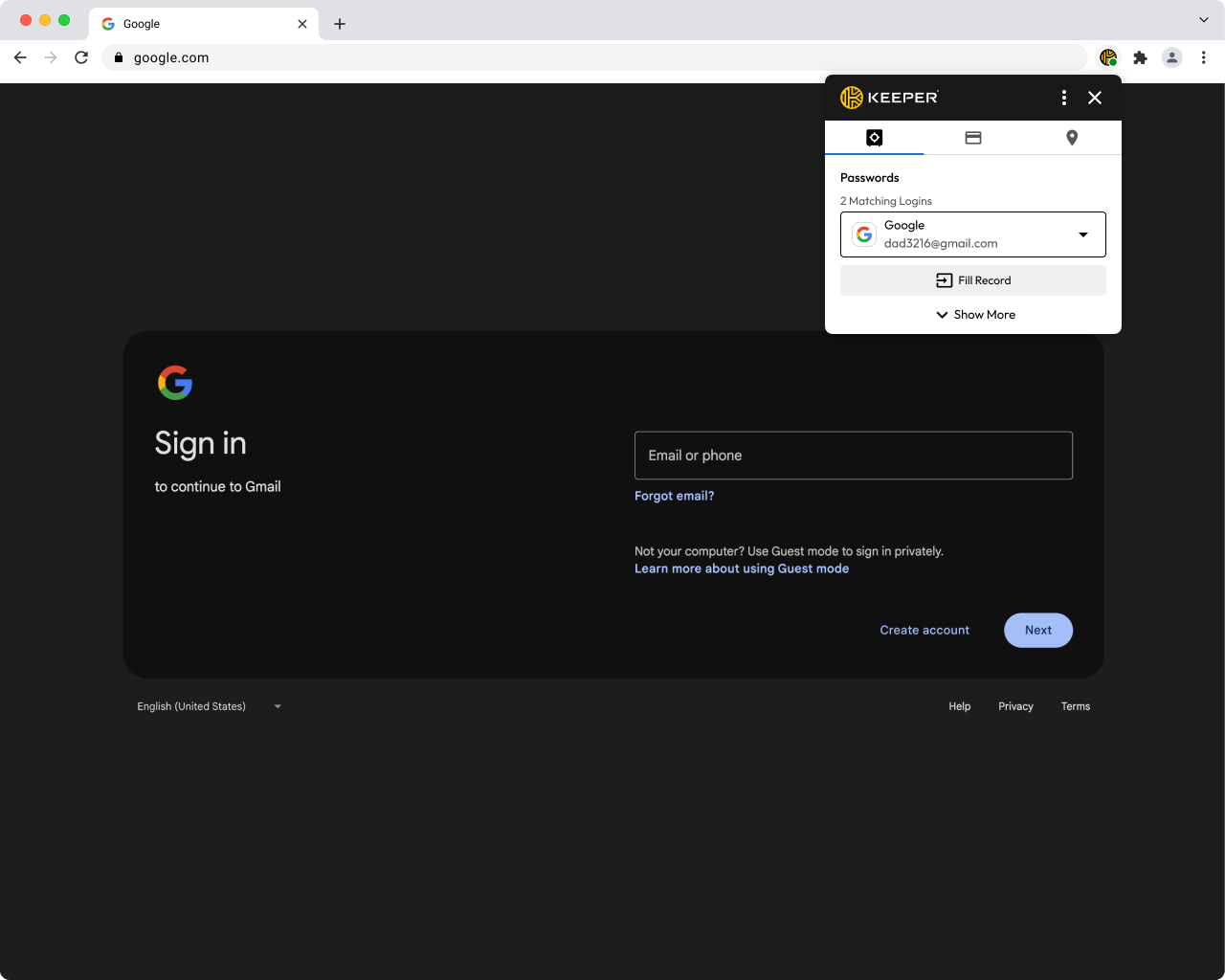
KeeperFill on a sign-in page with a matching record ready - Suggests the right record when they come back, with a searchable list if several match.
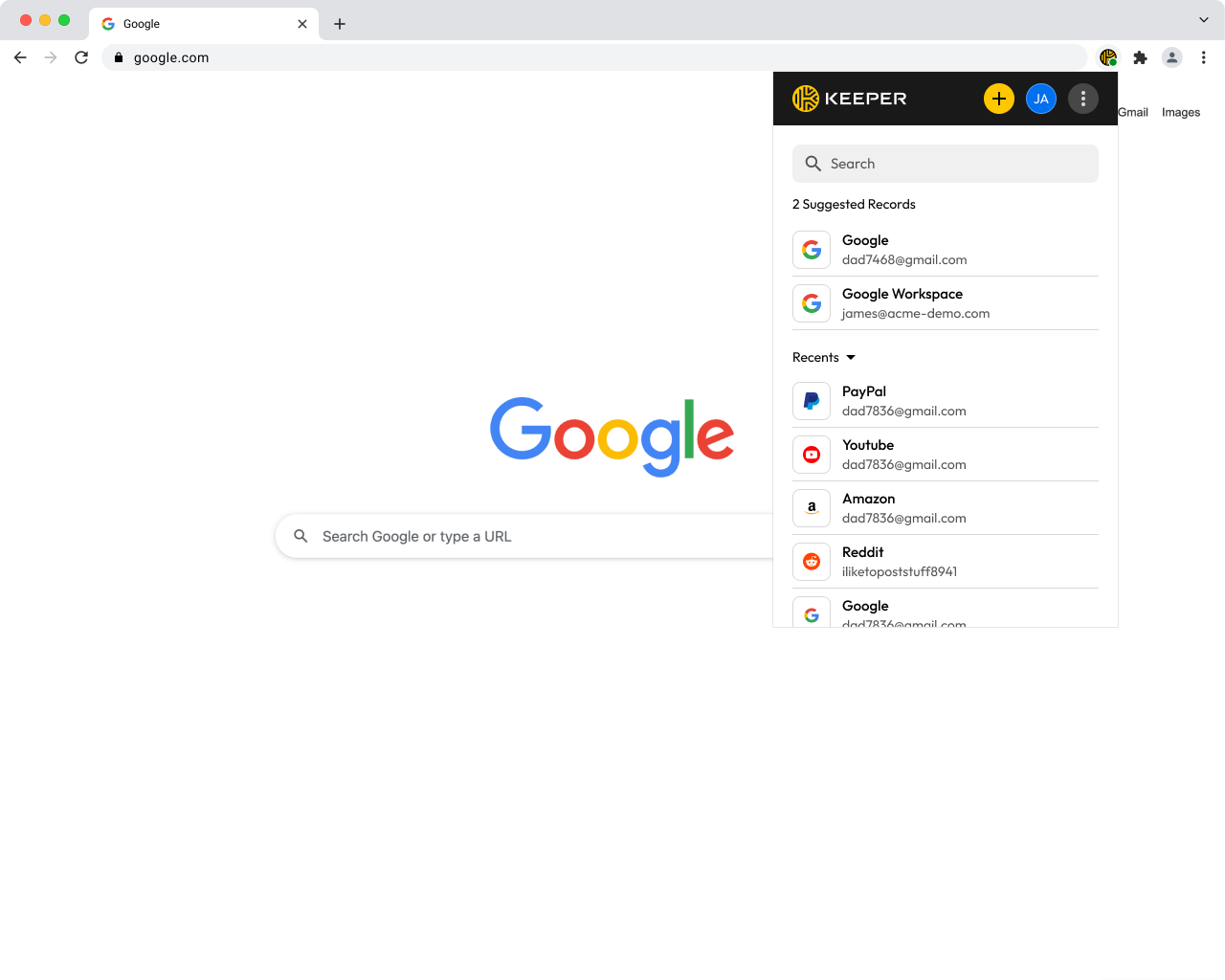
Suggested records for the current site - Shows and edits the record without leaving the page.
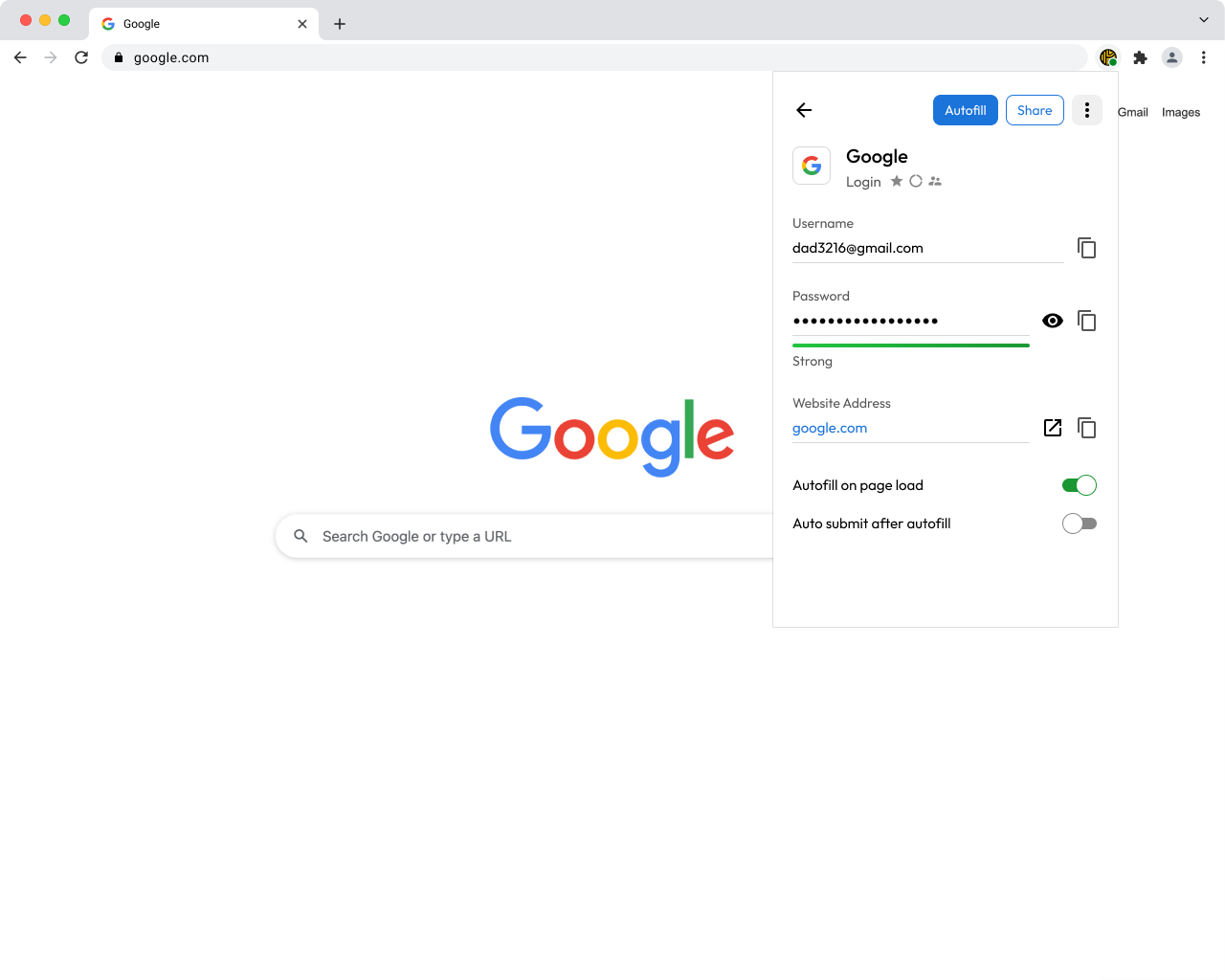
Record detail inside the extension - Generates a new password whenever a site asks for one.
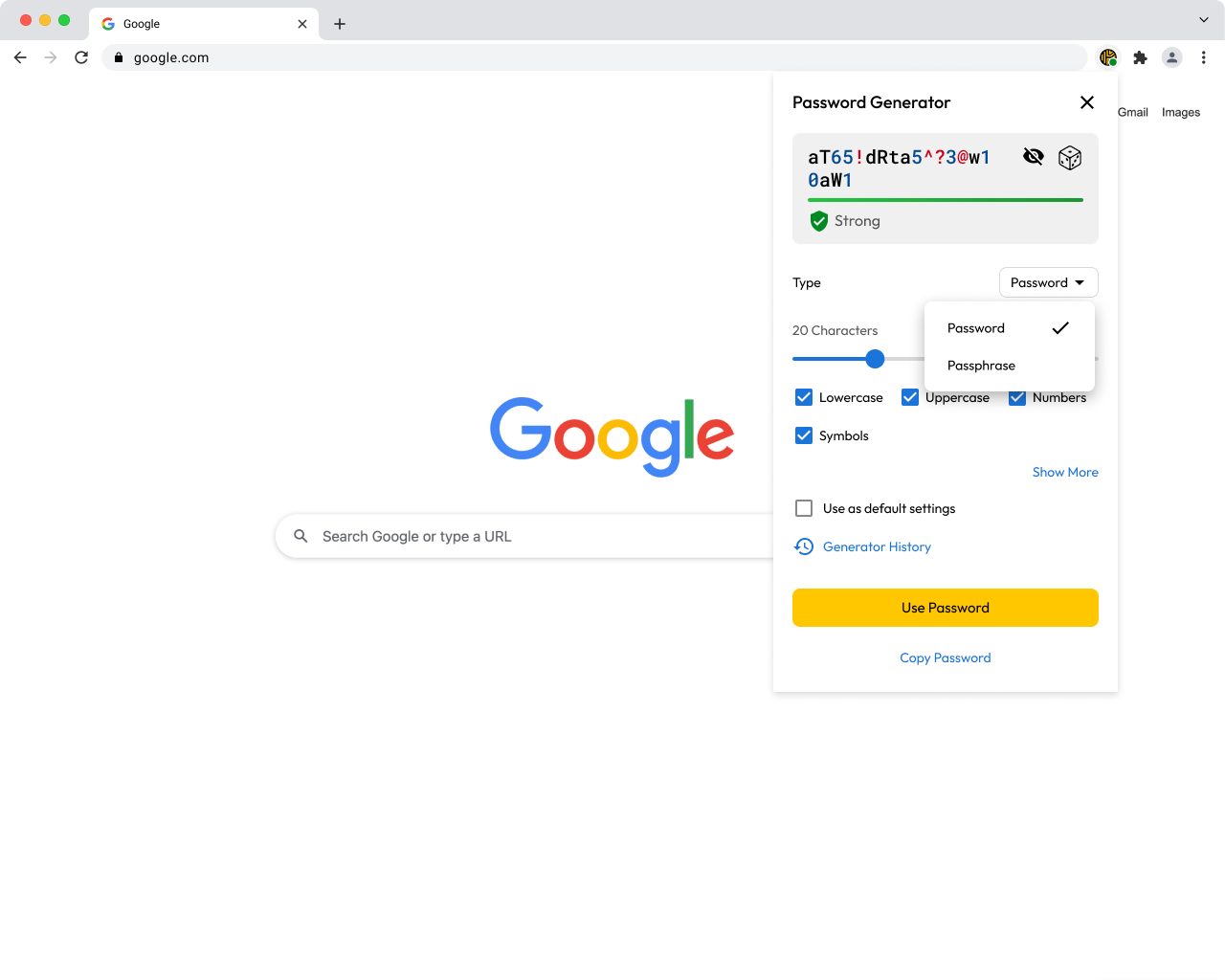
The generator opening inside a password field
The settings behind almost every complaint
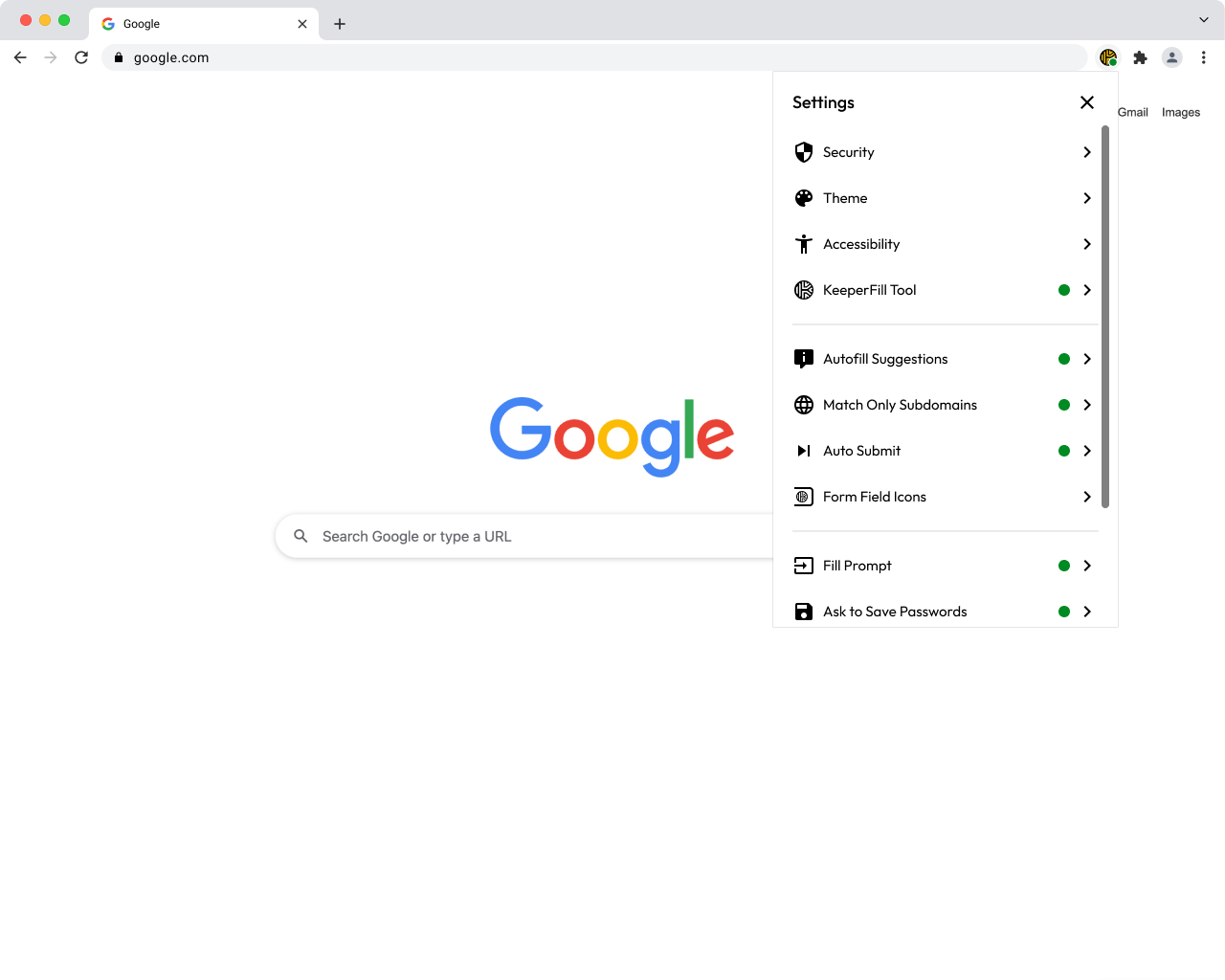
| Setting | Symptom when it's wrong |
|---|---|
| Ask to Store Passwords | "It never offers to save anything." Check this first, every time. |
| Fill Prompt / Autofill Suggestions | "The Keeper box doesn't appear." |
| Match Only Subdomains | "My login shows on one company page but not another." |
| Auto Submit | Sign-in pages that break or double-submit. Turn it off for that site. |
The trap: one site, two logins
KeeperFill matches records to sites by domain, not by username. If a customer has two accounts on the same website, signing into the second one can produce a prompt asking whether to update the record it already has.
This is not rare and not a bug. It happens on any portal where one person holds two accounts. It also happens constantly in this lab, because every practice account lives on the same domain.
Go deeper
- Keeper docs — Browser Extensions — install links and the full settings reference
Keeper product screenshots from Keeper Security's partner asset pack. Internal Simple Technologies training material, covered by NDA — not for redistribution.